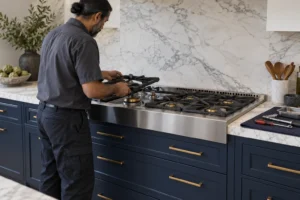
Source: Thermador US Owner Support - Induction Cooktops Error Codes
Error code
dE
Appliance
Cooktop
Cold zones with dE showing
A Thermador induction or electric cooktop that displays dE while its zones stay cold is running in demo mode. In that mode nothing heats until the mode is cancelled.
At a glance
| Code | dE |
|---|---|
| Appliance | Cooktop |
| What it means | dE shows that demo mode is switched on, which keeps every cooking zone of the induction or electric cooktop from heating. |
| First thing to try | At the electrical panel, switch off the breaker (or remove the fuse) that feeds the cooktop and leave it off for 30 seconds. |
Cancel demo mode, step by step
- At the electrical panel, switch off the breaker (or remove the fuse) that feeds the cooktop and leave it off for 30 seconds.
- Restore power.
- Touch any control on the cooktop, doing so inside a 3-minute window after power returns.
Do not confuse dE with these
- F1 and F6 – a single zone overheated and shut itself off to protect the work surface.
- F4 – the electronics ran hot and the zones went dark.
Cooktop service in San Francisco
If dE returns after the breaker reset, book a technician visit through Thermador cooktop and rangetop repair or phone (415) 322-5620. Having the model number and a note of the reset you performed makes the conversation quick for any cooktop in the city or the wider Bay Area.