

Specialized Thermador Appliance Repair in San Francisco
Mon–Sat: 8:00 AM – 7:00 PM
A built-in coffee machine that shows a fault message needs a calm look at water, milk system and display text before anything else. Here is how to read it and what to try.
Thermador repair · San Francisco & the Bay Area
A built-in coffee machine sits in a tall cabinet or above a warming drawer, tucked into a wall of appliances like any other. It also handles water, steam, milk and fine coffee grounds, which is more mess and more moving parts than most kitchen appliances deal with. When the display flashes an error, the machine is telling you it stopped a brew on purpose. That is useful, because the message usually narrows the search before you do anything at all.
The first step is to write down exactly what the display says: the words, any number that follows, and what the machine was doing when it appeared. A message that appears during startup suggests something different from one that appears at the end of a milk drink or during cleaning. Take a quick photo as well. Technicians value a photo more than a general description, because the same machine can show several messages in a short time.
One code on our reference list is E0510, shown as a fault on the TCM24TS coffee machine. The manufacturer’s meaning is an appliance fault where you follow the display, and the same code is also listed as a Home Connect update message on ovens. That wording tells you something helpful: the code on its own does not name a part. What matters is the instruction on the screen beside it. Read the full explanation on our coffee machine E0510 page.
Do not take the front panel off or reach into the brew area while the machine is plugged in. Do not pour vinegar or an unapproved cleaner through the lines; use only products the machine’s care instructions recommend. Do not keep pressing the start button when the same fault is showing, since repeated attempts can strain the pump and the grinder. If you see water on the cabinet floor, switch off power at the breaker, close the water supply and call for a visit.
A built-in machine is installed in a cutout with a power connection and sometimes a water connection behind it. That makes it harder to see leaks, so a small drip can run unnoticed for a long time before the display complains. In San Francisco, supply water varies between buildings and neighborhoods, which affects how quickly scale builds and how often the machine asks for descaling. A coffee machine paired with a warming drawer below it also shares heat and space with its neighbor, and an overheated cabinet can make a controller behave strangely. We check these conditions rather than assuming the machine is faulty.
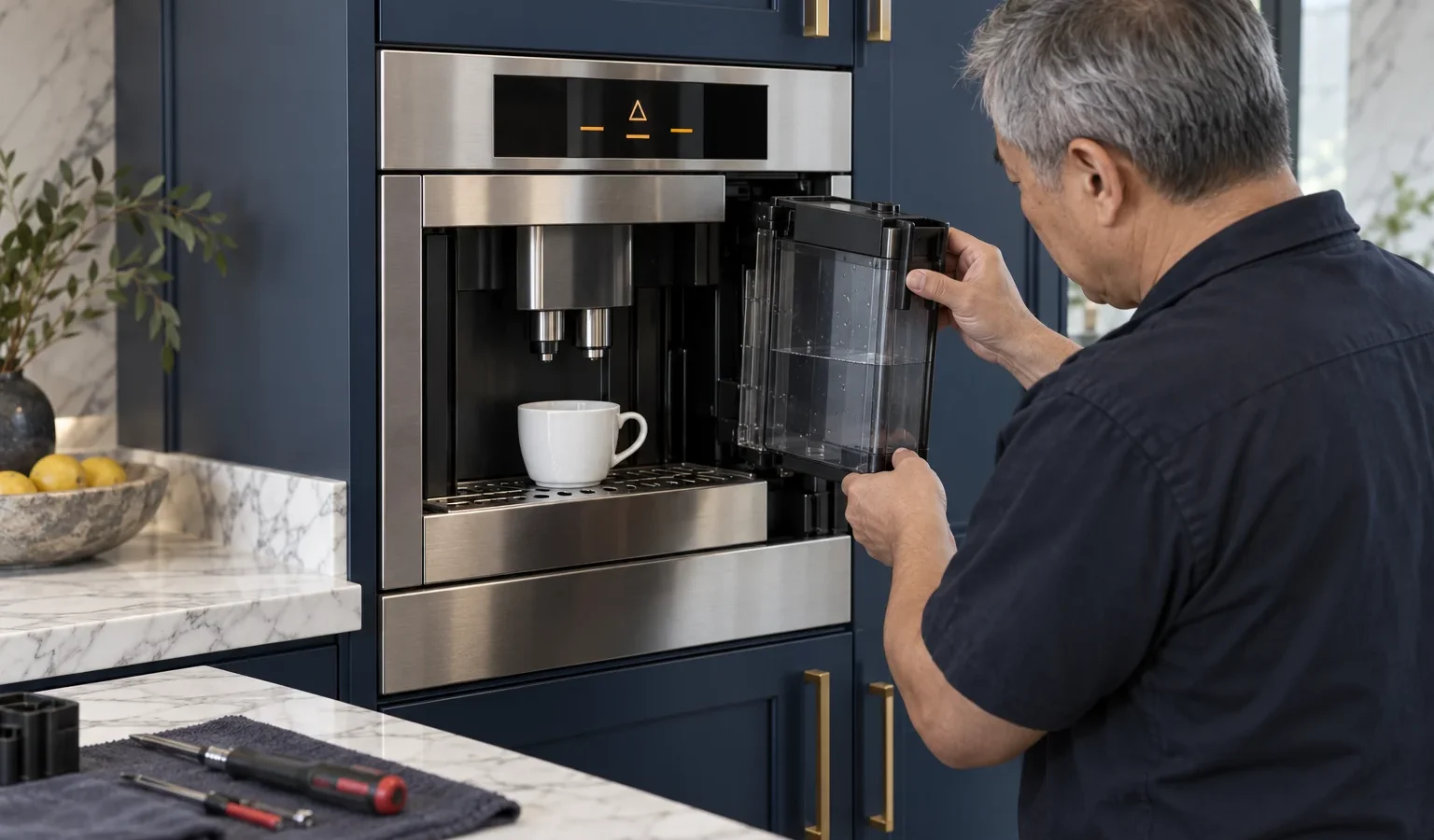
A technician reads the full message, checks the water path from the tank or supply to the pump, and looks at the brew unit and grinder. Milk lines are inspected where they are accessible, and the control is checked for software or connectivity trouble. After diagnosis you receive a written estimate, and nothing is repaired until you approve it.
The model number is usually on a label on the side of the cavity opening or inside the front when the water tank is removed. Compare your machine with the TCM24PSN and TCM24TSN pages.
Book when the same message returns after you have cleaned and reset, when the machine leaks or makes a grinding sound, when milk drinks fail even after a clean, or when the display freezes. The Thermador coffee machine repair page explains the process, and the Thermador coffee machines overview describes what we see.
No. It points to an appliance fault where the display guides the next step. The full text beside it is what matters.
Follow the care prompts on your machine. If you have hard water, expect the prompts to arrive sooner.
Yes. Dried milk narrows the lines and the frother, and the machine then reports a blocked flow or asks for a rinse.
If the fault clears and the machine behaves normally, light use is fine. If the message returns or water appears, stop and book.
The exact wording of the message, the model number, what the machine was doing and what you have already tried.
Share a few details and we’ll confirm an appointment. Prefer to talk? Call us and we’ll help right away.