
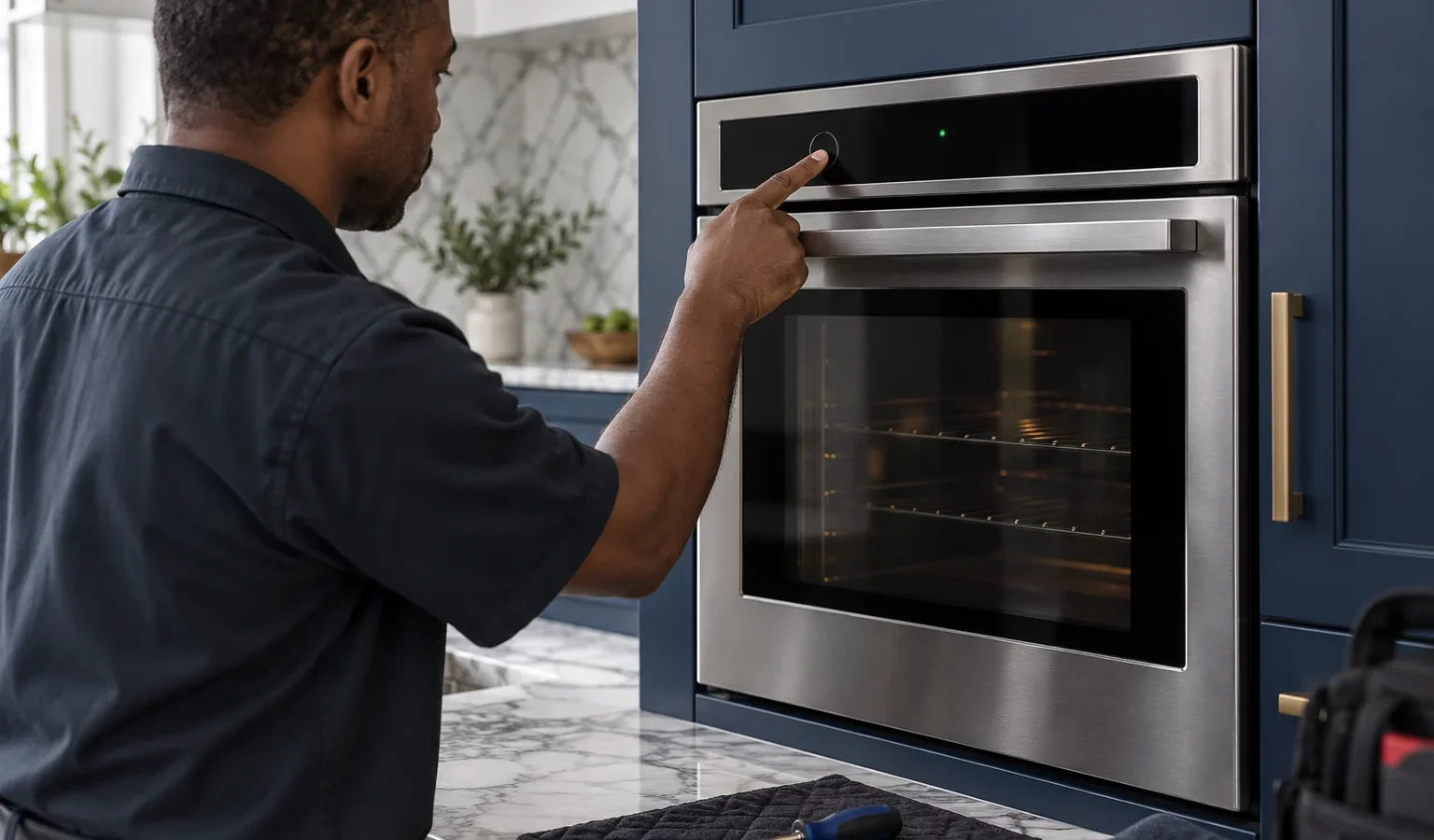

Specialized Thermador Appliance Repair in San Francisco
Mon–Sat: 8:00 AM – 7:00 PM
A reset can clear a stuck control, but it does not fix a failed part. Learn the one safe power reset, when it helps, and when to stop and book instead.
Thermador repair · San Francisco & the Bay Area
Everyone has pressed the same button three times hoping a stubborn appliance would behave. Sometimes a reset does help: a control board that froze after a power flicker, a touch panel that locked up, a connected appliance that lost its place in a software update. But a reset is not a repair, and it cannot restore a worn part. This guide separates the cases where a reset is useful from those where it only wastes your time or makes things worse.
A reset removes power from the appliance’s electronics for a short while and lets them restart cleanly. It can clear a temporary glitch, forget a stuck command and bring a display back to life. It cannot unclog a drain, replace a worn igniter, thaw a frozen evaporator or reseat a loose door latch. If a problem comes back right after a reset, the reset has told you something: the fault is real and a part or a connection is involved.
Many Thermador appliances are connected through Home Connect. A connection problem and an appliance problem are different. If only the app has stopped responding, resetting the appliance itself may do nothing at all, while a check of your home network may fix it.
For every appliance, the approach is the same and stays outside the machine.
Do this once. If the problem is back, resist the urge to try it again and again.
After a power interruption, a control may stay locked or show a message. A single power reset can clear it. For gas models, keep the gas valve exactly where it is; do not touch gas fittings. If a cooktop shows demo mode, the zones will not heat, and the answer is in the settings rather than in the wiring; our cooktop dE code page explains what it means.
Refrigerators, column freezers and wine columns need steady power. A reset is acceptable when the display is frozen or odd, but do not leave the unit off for long with food inside. Keep doors closed during the reset. If the unit does not return to normal cooling, move food to another cold place and book. See Thermador refrigerator repair.
If a cycle stops with a message, closing the door firmly, restarting the cycle and then using the power reset once is reasonable. If water stands in the tub or leaks, do not keep resetting; stop and turn off the water supply. The Thermador dishwasher repair page explains next steps.
These all respond well to one clean power reset when the symptom is a frozen control. A microwave that shows a keypad message should be dried and rested first. A coffee machine should be rinsed and its tray and tank seated before a reset.
Do not hold a button for an unusually long time, press a hidden combination from an online forum, or pull the plug of a hardwired appliance. Do not open panels or reach behind the appliance. Do not bypass a door switch or tape down a sensor to quiet a message. These are common ways to turn a small repair into a larger one.
Resets are most useful when you treat them like a small experiment. Change one thing, observe, and write down the result. If you reset, move a dish, open a door and press three buttons all at once, you will never know which action mattered. A short note with the time, the message and the outcome turns a vague complaint into something a technician can use, and it spares you from repeating the same steps twice.
If the symptom survives the reset, we want to know what it did and did not change. Tell us what the display showed before and after, whether the appliance behaved differently for a short while, and whether the breaker acted normally. That detail reveals whether the fault lives in the control, in a sensor, in a mechanical part or in the supply to the appliance. Our visit starts with a diagnosis, then a written estimate; nothing is repaired until you approve it.
For a general look at what we cover, see Thermador wall oven repair and Thermador range hood repair, or read our guide to finding your model number so you have it ready.
Long enough for the display to go completely dark and the electronics to settle. A brief flick is not the same as a proper reset.
It may clear the clock, saved preferences or a Home Connect connection. Write down your settings first if they matter to you.
The electrical reset is the same, but never touch the gas valve or fittings. If you smell gas, leave the home.
No. If one clean reset does not clear the problem, more attempts will not either, and they hide details a technician can use.
For refrigeration, keep the door closed and be quick. For ovens and drawers, remove food first so it is not left half-cooked.
Share a few details and we’ll confirm an appointment. Prefer to talk? Call us and we’ll help right away.