

Specialized Thermador Appliance Repair in San Francisco
Mon–Sat: 8:00 AM – 7:00 PM
The light comes on, the plate turns, the timer counts down and the food stays cold. This guide explains what that means and which checks are safe before you book.
Thermador repair · San Francisco & the Bay Area
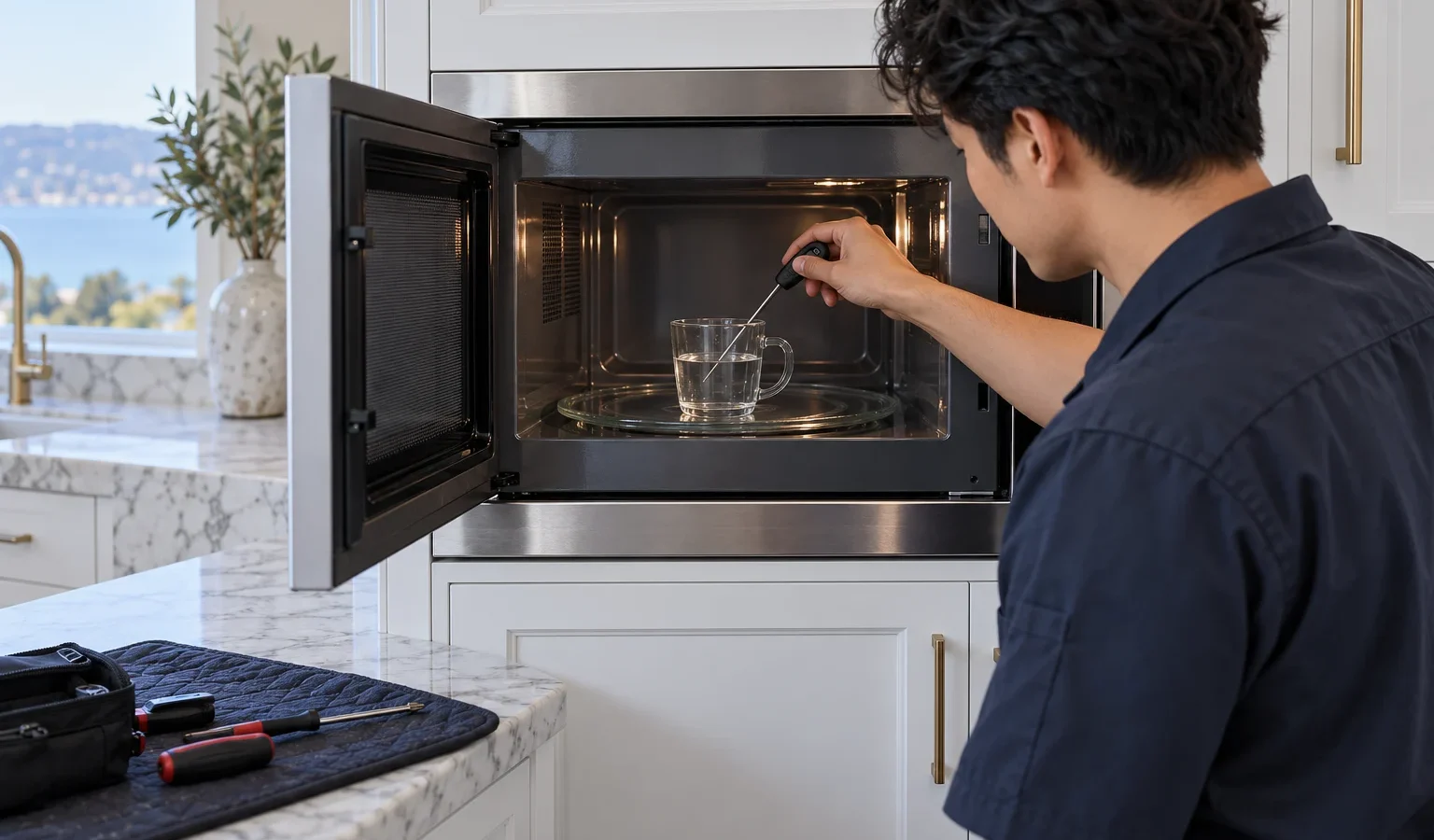
A microwave that turns on, hums, shows the countdown and then hands back cold food is behaving as if everything is fine. That is what makes the problem confusing. Power reaches the display, the turntable and the lamp, yet the part that actually heats the food is not doing its work. In a built-in microwave or a speed oven, that separation between the control side and the heating side is the key to figuring out what comes next.
Pay attention to exactly what the unit does. If the display is dark, that is a power problem and a different conversation. If the display lights and the keys respond but the food stays cold, the control board is alive and the problem lies with the heating system. If the food warms a little, unevenly or very slowly, the system is weakened rather than dead. If the unit starts, then stops with an odd sound or a burning smell, switch it off at the breaker and leave it.
A speed oven adds another layer. It can combine microwave energy with other heating, so a unit that does not heat in one mode may still work in another. Note which mode fails. That single fact tells a technician a great deal.
If the display shows E11, the manufacturer’s meaning is that the touch buttons are not responding properly, possibly because of condensation on the keypad. That is a keypad condition, not a heating failure. Wipe the control surface dry, let the unit rest with the door open for a while and try again. The details are on our microwave E11 code page. If the message returns, the keypad needs a technician.
Never run the unit empty to test it; heat that has nowhere to go damages the heating source. Never open the housing, even with the unit unplugged, because stored electrical energy can remain in the high-voltage section. Never defeat or tape a door switch. And never keep using a microwave that sparks, smokes or smells burnt. Power it off at the breaker and arrange a visit.
A built-in microwave or microwave drawer sits behind trim and inside tight cabinetry. Ventilation depends on a clear path; if a trim kit, a cabinet shelf or stored items block the airflow, the unit can overheat and its protective device may stop it from heating. In remodeled kitchens, microwaves are sometimes set into tall cabinet runs above or below a wall oven, so heat from the neighbor adds to the load. When we find a thermal protector open, we ask why before we ever call it a part failure.
We confirm the symptom by mode, check the door and latch system, and test the heating section with the right equipment and the right precautions. The diagnosis comes before the repair. You receive a written estimate and approve it before anything is replaced. If a repair no longer makes sense for the unit, we say so plainly and let you decide.
The model number is usually on the oven frame or behind the door edge. Our MB30WP and MBCS pages describe microwaves, and MC30WP describes a speed oven.
Book when the unit runs but the food stays cold or barely warm, when the door will not latch cleanly, when you notice sparks or scorch marks, or when a message such as E11 comes back after you have dried the keypad. Our Thermador microwave repair page explains the visit, and the Thermador microwaves guide covers the lineup.
Those parts use a different circuit from the heating section. The heating section has its own switches and parts, any of which can fail without affecting the lamp or plate.
Slow heating means a weakened part. It is usually safe to stop and book rather than push it further, but if there is any smell, spark or scorch mark, power it off at the breaker.
No. Door switches are part of the safety system and sit inside the housing near energized components.
It can combine more than one kind of heating, so tell us which mode fails. That narrows the search quickly.
The model number, any message on the display, the mode that fails and a short note about when the problem began.
Share a few details and we’ll confirm an appointment. Prefer to talk? Call us and we’ll help right away.