

Specialized Thermador Appliance Repair in San Francisco
Mon–Sat: 8:00 AM – 7:00 PM
What the E-series messages on a Thermador wall oven point to: sensors, door latches, the cooling fan, overheated electronics, keypad faults and Home Connect update errors.
Thermador repair · San Francisco & the Bay Area
When a Thermador wall oven shows an E-series code, it has found something outside its normal range: a sensor reading, a latch that did not move, a fan that is off speed, or a board that is too hot or cannot talk to its partner. The code meanings we rely on are written for the Professional Series wall ovens and are noted as applying to those units, plus one older Masterpiece reference for a single code, so a code from another oven line should be matched with its model number before you act on it.
If you own a double or triple oven, the number tells you which cavity speaks. A code starting with E1 refers to cavity 1 and the matching E2 code to the lower cavity 2; the E2xx codes apply only to two-cavity models. So E101 and E201 describe the same fault in different cavities. Say which cavity misbehaved when you report the problem.
These often arrive with a symptom such as an oven that heats poorly or an off-target temperature. Read why a Thermador oven runs at the wrong temperature for how that shows up.
E106 / E206 say the cavity door latch does not lock, E107 / E207 that it does not unlock, E124 / E224 that the door switch is in an undefined state, and E126 / E226 that the latch is in an undefined state. A locked door with no code is covered in our guide to a Thermador oven door that will not unlock.
E118 / E218 is a cooling fan supervision error: the fan speed is too low or too high. Because the cooling fan protects the electronics and the cabinet around the oven, the fan guide for a cooling fan that keeps running is a useful companion.
A second set belongs to the user interface and the control module. E003 says the user interface is too hot, and E303 that the control module is too hot. E005 is a communication error between the user interface and the control module. E009 and E309 are ROM check errors, E010 and E310 data memory errors, and E012 and E312 defective PCB temperature sensors. E000 reports a wrong module combination, where the control module and user interface do not match and an option code must be set.
Key faults are simpler to describe: E011 is a single key pushed continuously, E032 is several keys held for ten seconds, and E014 is an ON/OFF key that does not work. Finally, E0211 and E1601 are Home Connect software update error codes, which concern the connected features rather than cooking.
Do not remove the oven from its cutout, take off trim, or touch the wiring behind it. Wall ovens carry live circuits in tight spaces, and a hot electronics code is a reason to switch the oven off, not to keep testing it.
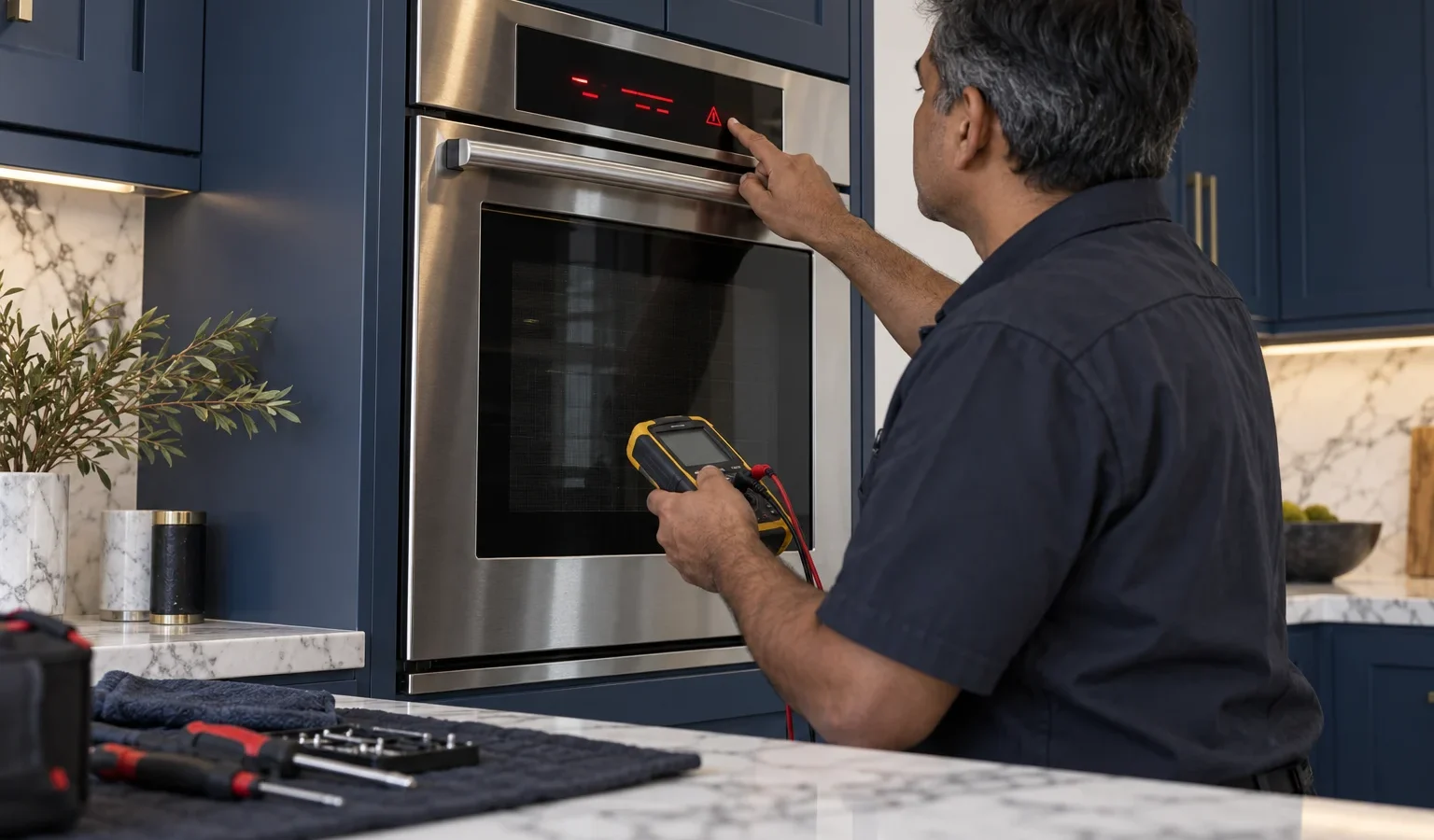
Book if the code returns, if the oven will not heat or lock, or if a temperature or hot-electronics code appears. We read the stored faults, confirm the model, diagnose before any repair, give a written estimate and wait for your approval. The Thermador wall oven repair page describes the visit, and the Thermador wall ovens guide shows the lineup, including the single ME301WS and the double ME302WS. Browse everything in the error codes page.
San Francisco homes see brief outages, planned utility work and breaker trips, and an oven that was mid-cycle when power dropped may wake up with a confused control. A communication or memory style code that shows once after such an event and never again is usually a one-time glitch. The same code appearing every week, or on startup every time, is a fault. Keep a short note of dates and what you were cooking, because the pattern helps decide whether the control, a sensor or the supply is to blame.
Give us the exact code with its first digit, the cavity involved, the model number from the oven frame, and whether the oven still heats or locks normally. Mention if a connected feature was in use when the message appeared. With that, the visit can begin at the right component instead of at the beginning of the list.
Not every message means a failed oven. The key codes describe what happened at the panel, such as a button held down by a spill or a damp cloth, and they often clear once the panel is dry. The Home Connect update codes concern software, not heat. A wrong module combination such as E000 is typically seen when the control module and user interface do not match, which a technician resolves by setting the option code. Compare that with sensor, latch and hot-electronics codes, which touch cooking safety and deserve a prompt visit.
Not always. The meanings we use are tied to the Professional Series wall ovens, so match the code against your model number before assuming.
Both describe the same sensor fault. E101 refers to cavity 1 and E201 to the lower cavity of a two-cavity oven.
It can after a power reset if the cause was a one-time event. A fault that comes back is real and should be examined.
No. E0211 and E1601 are software update error codes for the connected features, not heating or door problems.
If it is a temperature, latch or hot-electronics code, switch the oven off and request a diagnosis rather than testing it with a meal.
Share a few details and we’ll confirm an appointment. Prefer to talk? Call us and we’ll help right away.