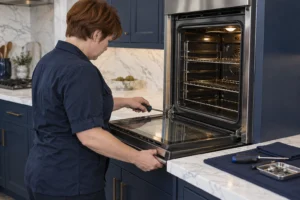
Wall Oven Repair in San Francisco
Single, double, triple or combination Thermador wall ovens that will not heat, lock their doors or show display codes get a written…

Specialized Thermador Appliance Repair in San Francisco
Mon–Sat: 8:00 AM – 7:00 PM
Single, double and triple units sit in wall cutouts that complicate every repair, so we read the symptom and the code before opening anything.
Thermador repair · San Francisco & the Bay Area
Wall ovens are set into cabinetry at a height that suits baking and roasting, and in a remodeled kitchen they are surrounded by trim that was fitted around them. A fault is therefore felt every day and fixed only with care. This guide covers the ovens we list and what the usual complaints and codes tell a technician.
All eight are listed as current:
Steam and combination ovens have their own family and appear elsewhere on the site.
On a wall oven the label is usually on the oven frame, visible when the door is open, or along the side edge of the cavity. On a double or triple unit, each cavity may carry its own label, so read the one that belongs to the whole unit and photograph the others if you can.
The oven turns on, the display looks normal, but the cavity stays cool or overshoots. A technician looks at the heating elements, the sensor and the control. The articles on Thermador oven not heating and Thermador oven temperature off go through the checks.
After a cleaning cycle the door can stay locked, or the latch might not engage at all. Both are covered under Thermador oven door locked.
The fan that protects the cabinetry keeps going after the oven is off, which is expected for a time but not indefinitely. See Thermador oven cooling fan keeps running.
Keys that stick, a display that dims or a Home Connect update that fails.
The verified meanings include:
Our Thermador oven error codes article explains how to read a code and what to note for the technician.
A wall oven in a tight cabinet relies on gaps and vents for cooling. If shelf trim, a lined cabinet or a stack of baking sheets blocks air, the oven may report an overheated electronics code. Double and triple units share a frame and a power feed, so a fault in one cavity sometimes affects its neighbor. The door gasket, hinges and level of the unit in the cutout affect both heat and latch behavior.
Do not force a locked door, remove side panels or bridge any switch. If you notice burning or sparks, switch the oven off at the breaker.
For a visit, use Thermador wall oven repair. We diagnose first, give a written estimate and repair nothing without your approval.
E2xx codes refer to the lower cavity on two-cavity models. Note which oven showed the code when you book.
Not at once. The door stays locked for a time after a cleaning cycle. If it stays locked long after the oven has cooled, or the latch codes appear, book a diagnosis.
A fan keeps running to cool the cabinet and electronics. A fan that never stops, or a fan code, deserves a visit.
The checks are similar, but each cavity and the shared power feed add parts to examine, so the visit usually takes more careful sorting.
Usually on the oven frame when the upper or lower door is open. Photograph every label you see.
Single, double, triple or combination Thermador wall ovens that will not heat, lock their doors or show display codes get a written…
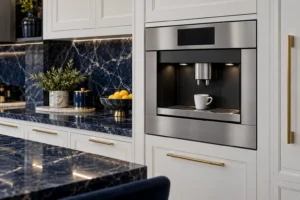
Built-in Thermador coffee machines in San Francisco kitchens: models TCM24PSN and TCM24TSN, water and milk system faults, code E0510 and safe daily-care…
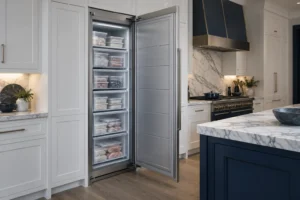
Thermador column freezers in Bay Area kitchens: the models we list, where the label hides, common frost and ice-maker complaints, and safe…
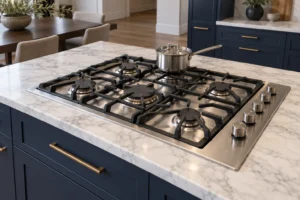
Induction, gas and rangetop Thermador cooktops in San Francisco kitchens: listed models, label spots, error codes, and safe checks before you book.
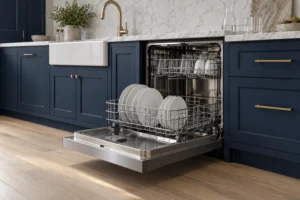
Thermador dishwashers for San Francisco homes: Sapphire and current models, leaks, drain and heat faults, the verified E-codes, safe checks and how…
Share a few details and we’ll confirm an appointment. Prefer to talk? Call us and we’ll help right away.